

Custom Coffee Labels Proof Checks for Roast Details
A wrong roast date on 5,000 bags will not show up until a customer or retailer points it out, and by then the labels are already on the shelf. Most roasters who regret a label order regret a data error, not a design flaw. Custom Coffee Labels carry more changing information than almost any other food label: roast date, origin, altitude, tasting notes, weight, lot code, and a barcode. This guide shows what to proof, in what order, and where a proof stops protecting you.
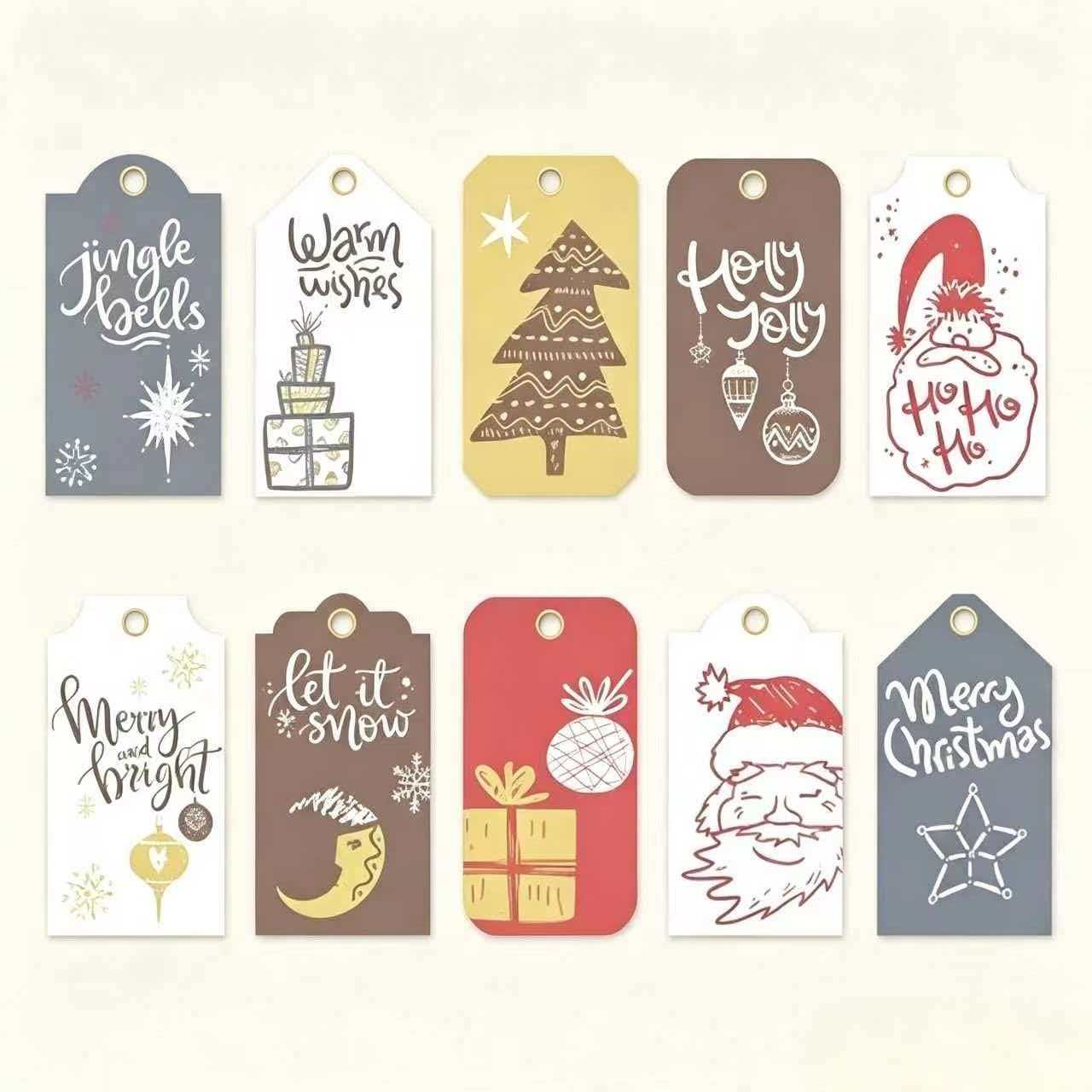
Why Do Roast Details Cause Most Coffee Label Reprints?
Because they are typed by hand, change often, and get approved by people reading for design. A designer checks alignment and color. The roaster checks that the logo looks right. Nobody reads the small print character by character.
From 12 years in custom merchandising and manufacturing, I see the same pattern: the file looks finished, the approval email says “looks good,” and a swapped digit in a weight statement or barcode goes through. The cost is the full run, plus the delay of printing again.
Roasters with a rotating menu face a bigger risk. If you have a dozen single origins, each label is a separate data set, and a copy-paste error from last season’s file is easy to make.
Which Roast Details Should You Proof Line by Line?
Proof every field that is factual, not just the ones that look important. This table splits the fields by how often they change and how they usually fail.
| Label field | Changes how often | Typical error | Proof method |
|---|---|---|---|
| Roast date | Every batch | Wrong format, blank field, old date left in | Read against the roast log |
| Origin and region text | Per coffee | Misspelled farm, country, or washing station | Compare to importer’s spec sheet |
| Altitude, process, variety | Per coffee | Unit mismatch (meters vs feet) | Check against the lot document |
| Brew notes and tasting notes | Per season | Carried over from a different coffee | Cup the coffee, then read the label |
| Net weight | Per bag size | 250 g printed on a 340 g bag | Weigh a filled bag |
| Barcode and SKU | Per product | Wrong number or low contrast | Scan the printed proof |
| Lot or batch code | Every batch | Field left as placeholder text | Confirm format with production |
Handle regulated statements, such as ingredient or allergen lines on flavored coffee, separately. Confirm what your selling market requires before the file goes to a printer. A label supplier can print what you give them, but cannot know your compliance obligations.
How Does Proofing Variable Data Prevent Reprints?
Proofing turns each changing field into a checked item with an owner. It prevents reprints in two ways: it catches the error before ink hits material, and it forces you to decide which fields belong on a fixed label and which should be applied later. The table below links each field to the reprint it avoids.
| Field proofed | What the check confirms | Reprint it prevents |
|---|---|---|
| Roast date field | Field exists, format is clear, and the date is variable or blank on purpose | A full run with a frozen date that goes stale within weeks |
| Origin text | Spelling and region match the lot paperwork | A run with a wrong or misspelled origin |
| Brew notes | Notes match this coffee, not the previous one | Labels that mislead on flavor or brew ratio |
| Barcode | Number matches the SKU and the printed code scans | Retail or distributor rejection of the whole run |
| Variable data (lot, batch, date) | Each record in the data file renders correctly | One bad row producing a bad block of labels |
The most useful decision is the first one. If a roast date changes weekly, do not freeze it in a bulk offset run. Digital printing suits this work, and Custom Panda runs 6 HP digital label presses with no MOQ on digital and select custom items. Offset and standard bulk items start at 1,000 units. Roasters often split their stock: a fixed brand label in bulk, with a variable data panel or a date field left clear for stamping.
That is a sourcing choice, not a rule. If you roast once a month and sell out within a month, a printed date can work fine. If your inventory sits for six weeks, a frozen date creates a problem on its own.
What Is the Safest Proofing Sequence Before You Approve?
Work in this order. It keeps you from approving text on a layout that will still change.
- Lock the layout first. Finalize label size, bag or can fit, and die line. Text checks on a layout that later shifts must be repeated.
- Export a text-only list. Copy every word into a spreadsheet. Check it against roast logs, importer documents, and your menu.
- Have a second person read it aloud. The person who wrote the copy reads what they meant. A second reader reads what is there.
- Scan the barcode from a printout. Print at actual size and test it with a scanner or phone, not just on screen.
- Request a physical or digital sample. Custom Panda confirms photo or digital samples before production, and sample lead time is 3 days for pins, patches, and labels.
- Approve in writing, field by field. A reply that lists “roast date field, origin, weight, barcode confirmed” is a better record than “approved.”
For bulk work, production runs 8-9 days after approval and U.S. shipping takes 5-6 business days. The proofing stage is the cheapest place to spend an extra day.
Does Label Material Change What You Should Check?
Yes, because the material affects how text and barcodes print and how they survive handling. Pick the substrate before the final proof, not after.
| Use case | Material direction | What to verify on the proof |
|---|---|---|
| Dry roasted bags | Custom kraft labels | Small text legibility on a textured surface; barcode contrast on brown stock |
| Metal tins and cans | Film or synthetic stock with lamination | Adhesion on curved metal; ink coverage under the laminate |
| Cold brew bottles | Waterproof film | Condensation and cold storage performance; see custom cold brew coffee labels |
| Premium retail shelf | Matte film with foil accents | Foil color match; scratch resistance of the laminate |
One comparable case: for an Australian natural health supplement brand, we delivered metallic foil stamped roll labels using matte BOPP film with scratch proof lamination. The same pairing suits roasters who want a premium shelf look. Check that the foil does not sit under small brew text, since foil edges can soften tiny type.
For bag formats, look at custom coffee bag labels. For tins, custom coffee can labels cover the curved surface issues. If you run large volumes, custom printed roll labels fit automated application.
What Are the Most Common Proofing Mistakes?
- Approving a screen preview only. Color, text size, and barcode contrast all look different in print.
- Reusing last season’s file. Old tasting notes and altitude figures survive in hidden layers.
- Printing a fixed roast date on slow-moving stock. The label ages faster than the coffee.
- Skipping the weight check. Label size changes often follow bag size changes.
- Forgetting the barcode quiet zone. Artwork placed too close to the code can break scanning.
- Letting one person approve alone. The author’s blind spots are the same ones the file contains.
- Relying on the reprint policy. Our color mismatch free reprint addresses color against an approved reference, not wording you approved with an error.
What Can a Proof Not Catch?
Will a proof guarantee the label performs on my packaging? No. A proof confirms content and appearance. Adhesion on an oily bag, a cold tin, or a damp bottle needs a material test on your actual packaging.
Does a good proof mean the facts are right? No. The printer confirms the file matches your approval. Whether the origin or weight statement is accurate is your responsibility.
Can every roast detail be variable? Not at every quantity. Digital printing handles variable data with no MOQ on select custom items, but offset bulk runs start at 1,000 units and suit fixed content.
Is there any quality system behind the process? Our facility is ISO 9001:2015 certified, with 6 production lines and capacity above 1,000,000 labels per day. That supports consistency in production. It does not replace your content check, and each order still needs sign-off from your side.
What if a defect appears in the run? Our terms include proportional replacement for defects and 5-day fast re-stocking or repair, and every bulk order includes 100 bonus pieces. Confirm how these apply to your order before approving.
What Should You Check Before Sending the Production File?
- Layout, die line, and label size are final.
- Every word has been checked against a source document.
- Roast date is either variable, blank by design, or confirmed for this batch.
- Net weight matches the filled bag you weighed.
- The barcode scanned from a printed copy at actual size.
- Material is chosen for the packaging and storage conditions.
- A second reader has signed off in writing.
- You know which parts of the order are fixed and which are variable.

If you are still choosing between fixed and variable roast date approaches, or between materials, you can compare options across custom labels printed in bulk before committing to a run.
Send us your artwork and a list of the fields that change by batch. We will review the file, suggest a printing method, and quote a sample before you commit to production.