

Prevent Barcode Errors With Custom Jewelry Labels
A jewelry label that looks premium but fails at the checkout counter creates an immediate retail problem. Staff must type product codes manually, inventory counts become less reliable, and customers experience slower service. Before approving an RFQ, buyers should check more than the logo, price, and foil color. Barcode placement, clear surrounding space, print contrast, label material, and laminate finish all affect whether a POS scanner can read the code consistently.
Custom Jewelry Labels should be treated as functional retail components, not only brand decoration. The smallest packaging formats often create the highest risk because there is limited space for product details, pricing, barcode artwork, and design elements. A compact ring box, earring card, pouch seal, or jewelry hang tag can still carry a usable barcode, but the artwork must give the code priority.
At Custom Panda, label projects can be reviewed through photo or digital sample confirmation before production. Samples for pins, patches, and labels have a stated lead time of 3 days, while standard bulk label production is listed at 8–9 days. This approval stage is the right time to test barcode artwork rather than discovering a scanning issue after labels have reached a retail floor.
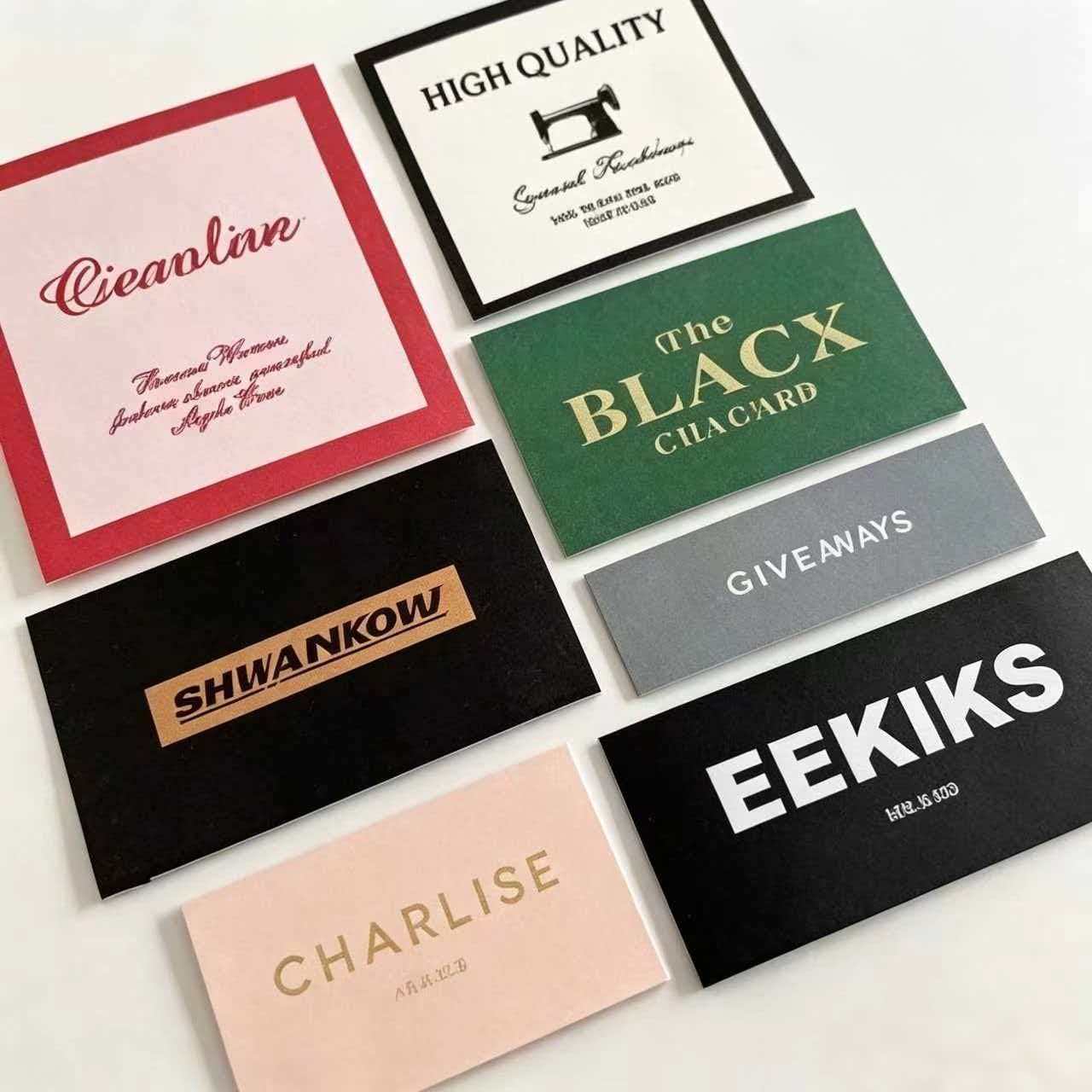
Which barcode issues should buyers identify before approving label artwork?
The first requirement is simple: the barcode must remain readable after printing, finishing, shipping, and application. A barcode can fail even when the supplied digital file appears sharp on screen. Decorative patterns may cross the bars, metallic effects can reduce visual separation, and glossy finishing can create reflection under a scanner.
For retail inventory labels, the best decision is to reserve a dedicated barcode area early in the layout. This suits jewelry brands selling through POS systems, boutiques using stock control software, and distributors applying labels to gift boxes. It does not apply in the same way to purely decorative seals with no item-level tracking requirement; those labels can prioritize graphics because they do not need machine reading.
| Artwork issue | Why scanning can fail | Recommended action | When another choice may fit |
|---|---|---|---|
| Barcode placed over a pattern | Background details can be interpreted as part of the barcode. | Place the code on a plain, solid area with no artwork crossing the bars. | A pattern can sit outside the barcode area if clear separation is maintained. |
| Light barcode on dark background | Many scanners read dark bars against a light field more reliably. | Use dark printed bars on a clean light background where possible. | A reversed barcode should only be used after scanning tests with the intended hardware. |
| Foil or metallic barcode | Reflection and inconsistent visual contrast can interfere with scanning. | Keep foil for logos, borders, or product names, not the machine-readable area. | Foil may work for non-scannable decorative marks. |
| Very small printed code | Bars may lose definition during print or become difficult for retail hardware to read. | Use the barcode size required by the barcode standard and test the printed sample. | A larger box label can carry the barcode when the jewelry tag has insufficient space. |
| Barcode near a fold or edge | Curving, wrinkling, or edge lifting distorts the printed bars. | Move the barcode to a flat panel away from folds, seams, and rounded corners. | A separate flat price label may be better for curved packaging. |
A frequent mistake is approving artwork from a design proof without asking how the barcode will be printed and finished. Digital artwork confirms the layout. It does not automatically prove that a scanner will read the final label under store lighting and normal handling.
Common artwork mistakes that create checkout delays
- Using a logo color for barcode bars: brand colors may look attractive but may not provide sufficient barcode scan contrast.
- Adding text inside the clear area: a product name, border, or icon too close to the code can interfere with barcode quiet zones.
- Choosing transparent stock without planning white ink: dark packaging beneath a clear label can reduce the contrast needed for machine reading.
- Applying a reflective finish without testing: a protective label laminate can change scanner performance depending on the scanner angle and lighting.
- Placing the code on a narrow jewelry card: the layout may force compression, trimming risk, or insufficient blank space around the code.
- Changing product codes after approval: last-minute data edits can introduce incorrect item numbers or mismatched barcode files.
For a product range with many stock keeping units, use a controlled barcode data sheet. Match every item code, product name, color option, size option, and barcode file before artwork approval. This is especially useful when one jewelry collection contains similar designs with small differences that are easy to confuse during receiving or replenishment.
How do barcode dimensions, quiet zones, contrast, and laminate selection prevent scan failures on small jewelry packaging?
Small jewelry packaging leaves little room for error. The practical answer is to choose the barcode format first, reserve the required printable area around it, and build the rest of the design around that area. Do not shrink the barcode merely to make space for decorative graphics.
The barcode dimensions must follow the requirements of the selected barcode standard and the scanning equipment used by the retailer. A code that appears acceptable at a reduced size may scan poorly after printing, trimming, or label application. For small boxes and cards, the conclusion is clear: move nonessential copy elsewhere before reducing the code. This approach fits packaging that must scan at point of sale. It may not be necessary for jewelry display cards that are not tracked individually.
| Barcode control point | How it prevents errors | Best use on jewelry packaging | Limit or caution |
|---|---|---|---|
| Barcode dimensions | Preserves sufficient bar definition for the chosen barcode system. | Reserve a flat panel on a box base, back panel, or larger hang tag. | Do not assume a barcode can be reduced to fit every small package. |
| Barcode quiet zones | Provides blank space around the code so scanners can identify where bars begin and end. | Keep logos, borders, price icons, and background graphics outside the required clear area. | The quiet area should not be filled later with promotional text. |
| Barcode scan contrast | Helps the scanner distinguish bars from the surrounding field. | Use dark bars on a light, nonreflective background. | Clear labels require special attention because package color shows through. |
| Protective label laminate | Helps resist scuffs that can damage printed bars during handling. | Select a finish that protects the code while allowing practical scan testing. | Some glossy surfaces can create glare under certain store lighting conditions. |
Matte finishing is often the safer choice where barcode readability is the main concern because it can reduce reflected light. It fits jewelry boxes handled frequently at counters, stockrooms, and fulfillment stations. It is not automatically the best choice for every luxury project. If a brand requires a glossy or metallic appearance, keep the barcode on a separate matte white panel or test the final material, ink, laminate, and scanner combination before bulk production.
Clear film can support a minimal packaging look, but a barcode should not rely on the color of an unknown surface beneath it. If the label will be applied to dark velvet boxes, printed cartons, textured pouches, or changing seasonal packaging, a white print layer or an opaque barcode panel may be needed. Our label production options include wide substrate selection, BOPP lamination, UV resistant inks, and custom foil stamping colors. These options should be selected around the functional barcode area rather than chosen only for visual effect.
For projects needing a film construction, review clear custom bopp labels when transparency is part of the design, but specify a separate high-contrast barcode field in the artwork. For a more subdued retail finish, premium custom matte labels can be considered for packaging that will be scanned under varied lighting conditions.
What label material and finish should a jewelry retailer choose?
Choose the material based on packaging surface, handling conditions, and how long the barcode must remain readable. Paper labels can be suitable for dry, short-life packaging and carton boxes. Synthetic materials are better suited to labels exposed to rubbing, moisture, oils, or repeated handling. The right choice is not always the most expensive material; it is the one that matches the product route from packing bench to customer.
| Packaging condition | Recommended direction | Reasoning | When not to use it |
|---|---|---|---|
| Dry paper jewelry boxes | Paper label with an appropriate finish | Suitable for clean retail packaging where labels will not face moisture. | Avoid where handling or storage conditions can scuff or wet the label. |
| Gift pouches and flexible packaging | Synthetic label material | Better suited to surfaces that flex during packing and customer handling. | Confirm adhesion on textured fabric or uneven pouch materials first. |
| Premium branded box sets | Matte label with foil used outside barcode area | Separates luxury visual details from the functional scan zone. | Do not place the barcode itself in metallic foil. |
| Clear acrylic or glass packaging | Clear label with white barcode panel | Keeps a transparent appearance while maintaining readable contrast. | Do not print dark bars directly over a variable or dark background. |
| Frequent stockroom handling | Protected synthetic construction | Helps reduce scuffing that can obscure a barcode. | Check that the selected laminate does not create unacceptable glare. |
Adhesion also matters. A barcode cannot scan if the label lifts, wrinkles, or tears after application. Before placing a large order, provide the actual application surface: coated carton, uncoated board, rigid box, pouch film, or another substrate. This lets the production team assess the label construction rather than making an assumption from a product photo.
Buyers sourcing labels for multiple jewelry collections may also separate the roles: use branded box labels for the outside presentation and smaller operational labels for stock control. This can protect the premium visual identity while giving warehouse staff a clear, machine-readable code. For box applications, review custom jewelry box labels as a starting point for format planning.
How should buyers validate barcode artwork before bulk production?
The safest process is to validate the final printed sample, not merely the original barcode file. A supplier may receive correct barcode data, but later layout changes, color edits, lamination choices, or trimming adjustments can still affect the finished label.
- Confirm the barcode source. Supply the approved barcode data or barcode artwork associated with each retail item. Check that the product code matches the correct jewelry variation.
- State the intended use. Tell the supplier whether the barcode is for POS scanning, warehouse inventory, price verification, or internal packing control. The placement decision depends on this use.
- Identify the application surface. Specify whether the label will be applied to cartons, ring boxes, pouches, cards, or another packaging format.
- Reserve the barcode field. Keep its required dimensions and blank surrounding area intact before adding decorative elements.
- Choose the finish around the scanner environment. Consider matte, gloss, clear film, foil accents, and laminate based on the need for physical protection and scan testing.
- Request digital or photo sample confirmation. Verify the product data, barcode position, code orientation, material appearance, and finishing details.
- Test the physical sample. Scan it using the same scanner type or mobile workflow expected in the store or warehouse. Test more than one label from the sample set.
- Approve only after resolving exceptions. If the barcode is inconsistent, revise the contrast, size, placement, or finish before production begins.
Custom Panda operates an ISO 9001:2015 Quality Management System Certified and Disney FAMA Certified facility. The business has operated since 2012 and runs six production lines in an 8,000 m² facility, including six HP digital label presses. These production resources support label programs requiring repeatable artwork review across large SKU lists. For digital printing and select custom items, there is no MOQ; offset printing and standard bulk items have a 1,000-unit minimum, which may offer better pricing at larger quantities.
For a large retail rollout, ask for a production plan that distinguishes sample approval from bulk printing. Our stated label capacity exceeds 1,000,000 daily labels, but capacity does not replace artwork validation. A poorly designed barcode can be reproduced at volume just as easily as a correct one. The better approach is to test early, document approval, then release the verified file.
What does a practical jewelry barcode label review look like?
Consider a retailer launching a collection of earrings, necklaces, and rings through a boutique POS system. Each item is packed in a small branded box. The first artwork places a gold foil logo, product name, care icon, and barcode on the bottom panel. The design appears polished, but the barcode is compressed between a foil border and a product description.
The practical correction is to move the product description to the box insert or side panel, remove the foil border from the scan field, and place the code on a plain light background. If the box finish is dark, use an opaque field behind the barcode rather than printing directly onto the dark surface. If the label needs protection during fulfillment, test the chosen laminate under the store’s scanner and lighting conditions.
This approach fits a brand that needs retail presentation and inventory control in the same package. It may not fit a very small jewelry tag with no usable flat space. In that case, place the barcode on a separate box label, larger hang tag, or fulfillment label instead of forcing it onto the smallest component.
Australia provides a relevant packaging example from our customer work: a natural health supplement brand used metallic foil stamped roll labels with matte BOPP film and scratch proof lamination for a premium shelf presentation. Jewelry packaging can follow the same principle of separating decorative foil from functional printed information. The case does not mean the same label construction is correct for every jewelry item; barcode performance still needs testing on the selected package and scanner system.
Frequently asked questions about barcode label approval
Can a barcode be printed on a clear jewelry label?
Yes, but only if the scanner can clearly distinguish the code from its background. Use a controlled light field, such as a white print layer or opaque panel, behind the barcode when the package beneath is dark, patterned, or variable. Clear material is not the best choice when the barcode must sit directly over mixed packaging colors.
Should a barcode be glossy or matte?
Matte is often the lower-risk option because it can reduce glare. Gloss may still be suitable if scan testing confirms reliable performance with the final scanner, lighting, ink, and packaging surface. Do not choose gloss solely because it matches the rest of the package.
Can foil stamping be used beside the barcode?
Yes. Foil can be used for logos, borders, and decorative details outside the barcode quiet zones. Keep foil away from the barcode bars and surrounding clear area. Foil is not a substitute for high-contrast printed bars.
What if there is no room for a compliant barcode?
Move the barcode to a larger component, such as the jewelry box, outer carton, larger hang tag, or a separate operational label. Reducing the code below the requirements of the selected barcode system is not a dependable fix.
Can small orders receive barcode artwork review?
Digital printing and select custom items have no MOQ according to our production terms. Buyers should still provide the barcode data, application surface, and intended scanning use so the artwork can be reviewed appropriately. A no MOQ option does not remove the need for physical scan testing.
Submit your packaging artwork and barcode requirements for a sample review before releasing your jewelry label order.