What Are Custom Die-Cut Stickers?
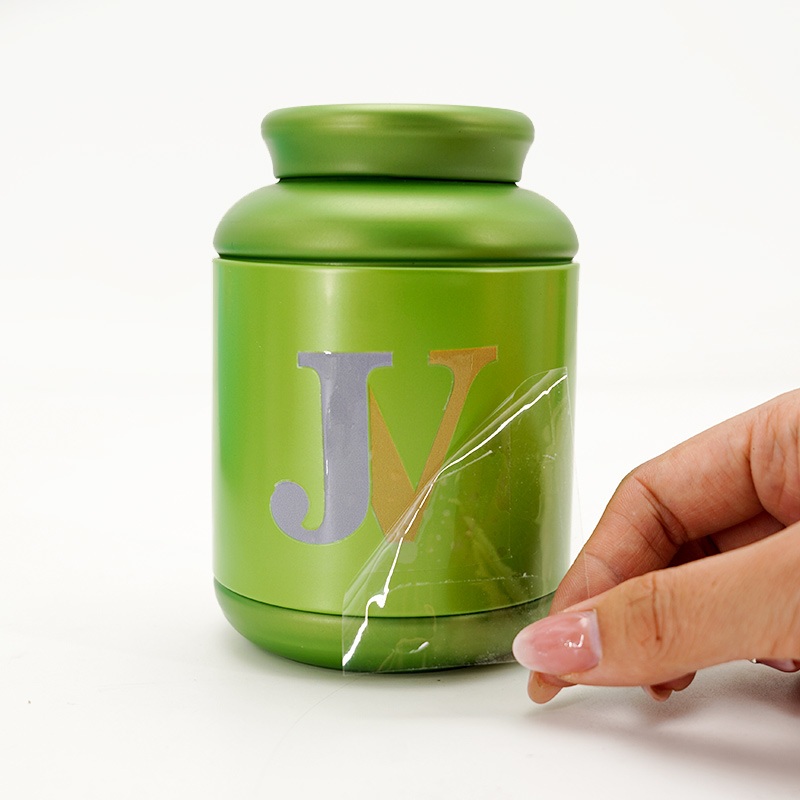
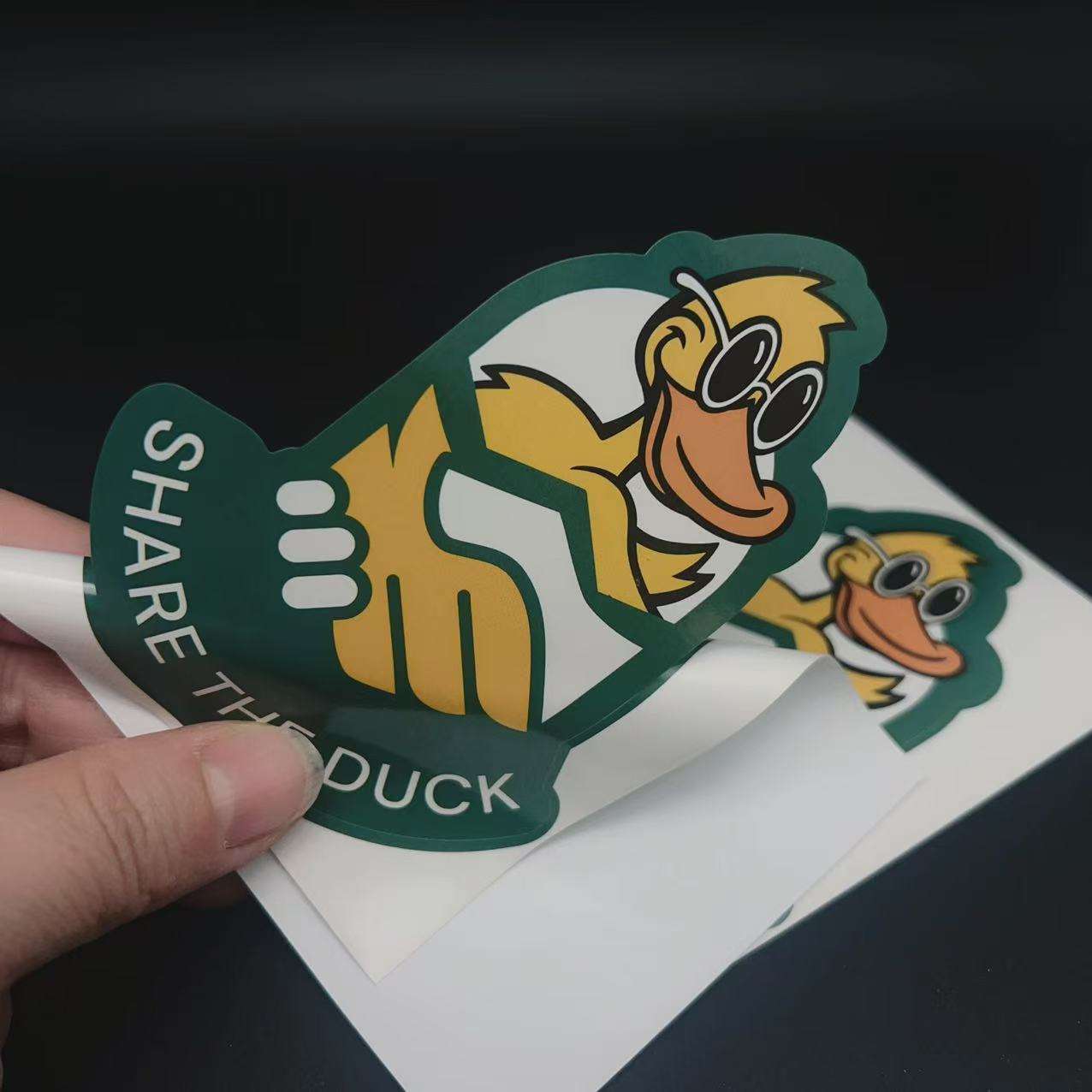
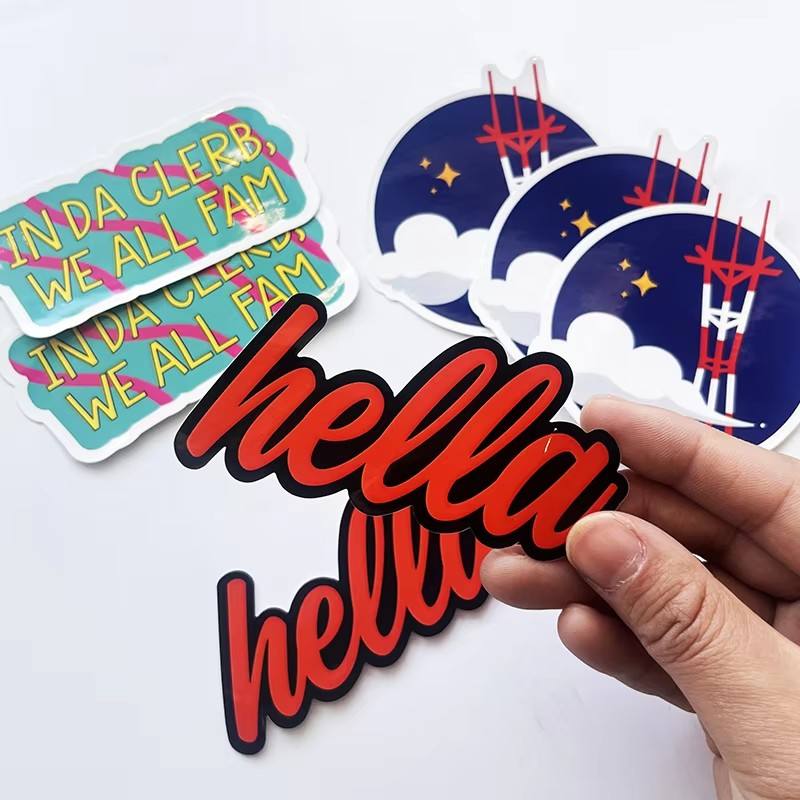
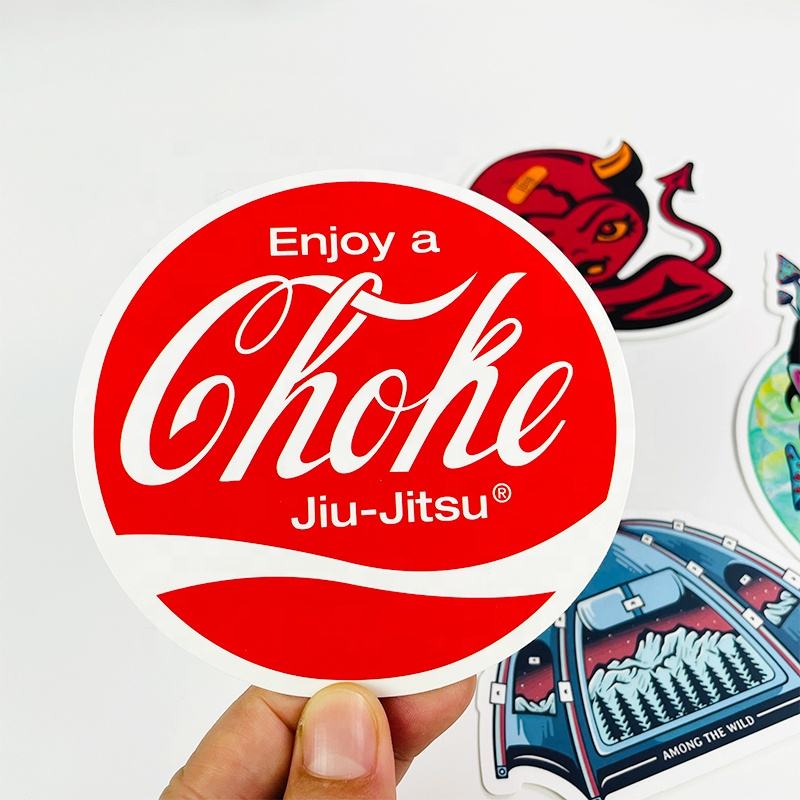
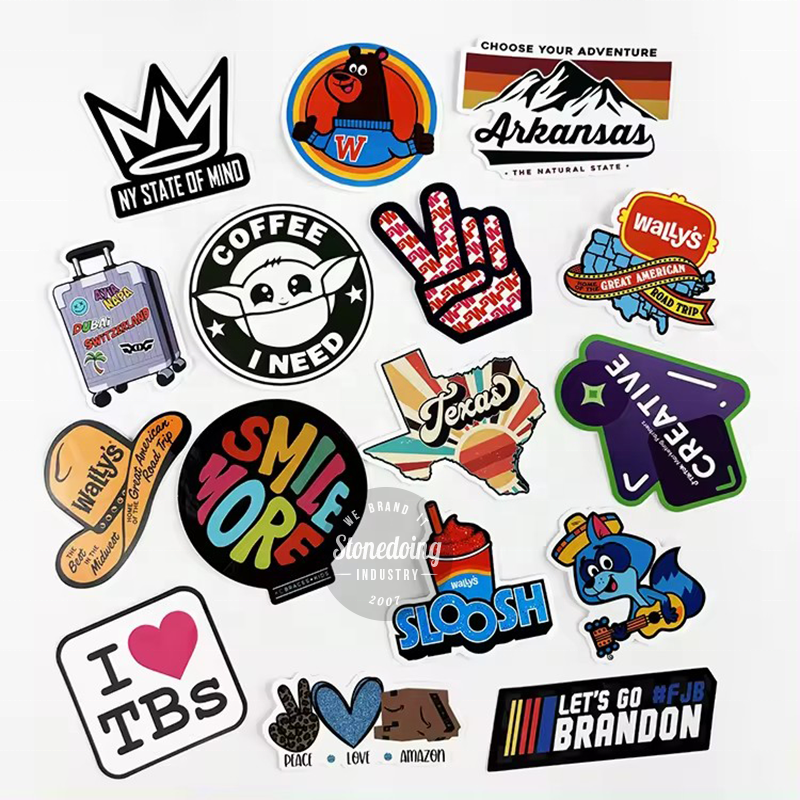
Custom die-cut stickers are stickers that are cut exactly to the shape of your design. Unlike regular stickers that leave a white or clear border around the artwork, die-cut stickers follow every edge of your logo, text, or illustration. The cutting blade goes through both the sticker material and the backing paper. This creates a clean, professional look with no extra border at all.
These stickers are very popular for branding, promotions, and personal use. You have probably seen them on laptops, water bottles, skateboards, and car bumpers. Because there is no border, your design becomes the sticker. This makes die-cut stickers stand out more than standard stickers. They look custom-made because they are custom-made.
Most custom die-cut stickers are made from durable, weatherproof vinyl. This material can handle sun, rain, and everyday wear and tear. You can also choose from many finishes, such as matte, glossy, holographic, glitter, or metallic. Some people even use special materials like glow-in-the-dark or eco-friendly vinyl. No matter what design you have, die-cut stickers bring it to life with a sharp, borderless edge.
Key Features of Custom Die-Cut Stickers
Custom die-cut stickers come with several important features that make them different from other sticker types. Here is a deeper look at what makes them special:
No White Border – This is the most obvious feature. The sticker is cut exactly along your design outline. There is no extra margin or border around the shape. This gives a sleek, professional appearance that looks great on any surface.
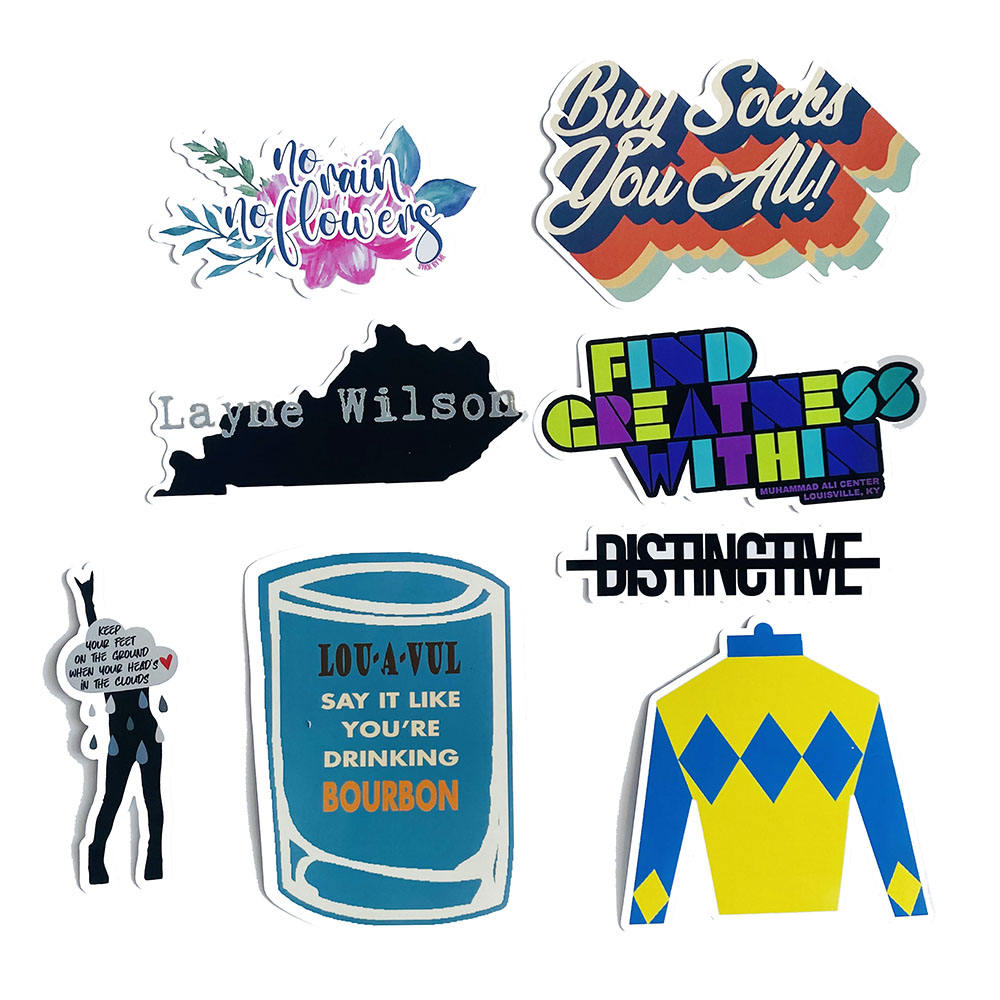
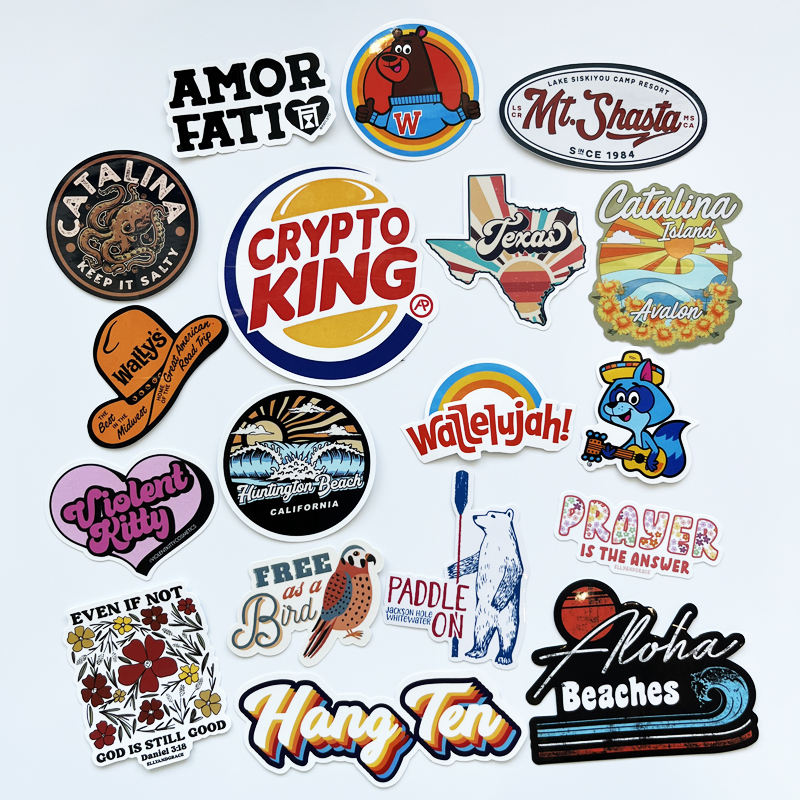
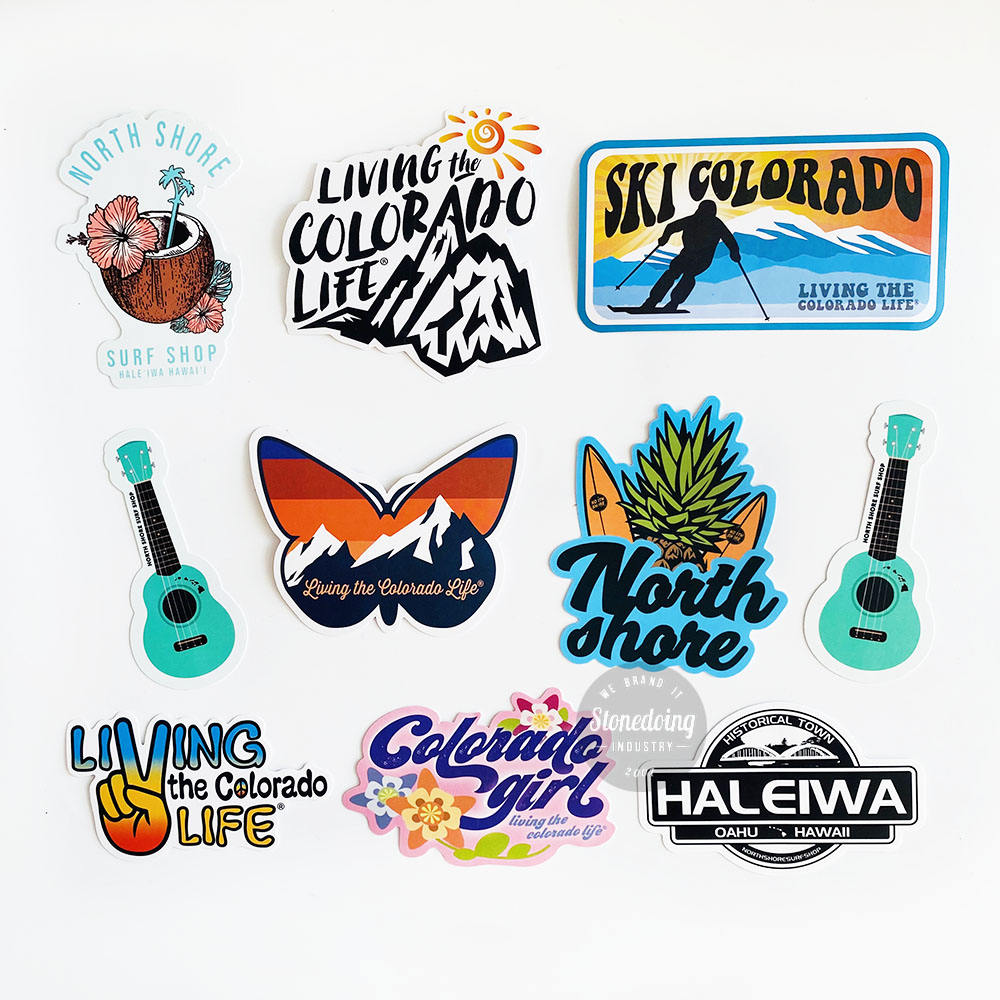
Any Shape You Want – You are not limited to circles, squares, or rectangles. Your sticker can be the shape of a leaf, a mascot, a logo, or even a detailed character. As long as your design has a clear outline, it can become a die-cut sticker.
Durable Vinyl Material – Most die-cut stickers use weatherproof vinyl. This material resists water, sunlight, and scratches. It can last for years outdoors without fading or peeling. For indoor use, it stays clean and bright for even longer.
Strong Adhesive – The glue on die-cut stickers is designed to stick firmly. Once you place it on a laptop, water bottle, or car window, it stays there. Yet, many adhesives allow clean removal without leaving sticky residue behind.
Variety of Finishes – You can choose from matte (no shine), glossy (shiny), holographic (rainbow effect), glitter (sparkly), metallic (like metal), and more. Each finish changes the look and feel of your sticker. Some finishes also add extra protection against scratches or UV rays.
Lamination Options – A laminated layer can be added on top of the sticker. This makes the sticker thicker, more durable, and more resistant to weather. Lamination is a great choice for car decals or outdoor equipment.
Eco-Friendly Choices – More and more companies now offer die-cut stickers made from recycled vinyl or biodegradable materials. This is perfect for brands that care about the environment.
Because of these features, custom die-cut stickers are used by everyone from big companies to individual artists. They are simple, but they make a strong impression.
Applications of Custom Die-Cut Stickers
You can use custom die-cut stickers in almost any situation. Here are the most common applications, with more detail on each one:
Personal Items – Laptops, tablets, and phones look more unique with a custom die-cut sticker. Water bottles and coffee mugs also become more fun and personal. Many people put die-cut stickers on their skateboards, guitars, or bike helmets to express their personality.
Branding and Logos – Small businesses and big brands both use die-cut stickers as low-cost marketing tools. A sticker with your logo in a custom shape looks professional and memorable. You can hand them out at events, include them in product packages, or stick them on your store window.
Product Packaging – Adding a die-cut sticker to your product box makes it look more premium. It can seal the box, show your brand name, or simply decorate the package. Unlike a printed box, a sticker is easy to change if you update your logo or offer a special edition.
Promotional Giveaways – People love free stickers. Giving away custom die-cut stickers at trade shows, conferences, or local markets is a great way to spread the word about your business. Attendees will put them on their own laptops and water bottles, giving you free advertising wherever they go.
Car Decals – Die-cut stickers made from durable vinyl can stick to car windows, bumpers, or paint. They are often used for brand logos on company vehicles, or for fun designs on personal cars. Because they have no border, they blend into the glass or paint very nicely.
Retail and Storefronts – Many shops use die-cut stickers to show their hours, their logo, or a fun message on their front door or window. They are also used on price tags, shelves, and shopping bags.
Event and Wedding Favors – Couples use custom die-cut stickers as wedding favors, often shaped like the couple's initials or a meaningful symbol. Event organizers use them as badges, thank-you gifts, or decoration.
Art and Illustration – Independent artists often sell die-cut stickers of their artwork. Fans love to collect and display them. Because there is no white border, the art looks exactly as the artist intended.
No matter what your project is, die-cut stickers offer a flexible and affordable solution.
Top Die-Cut Sticker Trends in 2026
The sticker industry changes every year. Here are the top trends for custom die-cut stickers in 2026, explained in more detail:
1. Eco-Friendly and Biodegradable Materials – More customers want stickers that do not harm the planet. In 2026, many printers offer die-cut stickers made from recycled vinyl or plant-based materials. These stickers break down faster in landfills while still lasting long enough for everyday use. Brands that use eco-friendly stickers attract environmentally conscious customers.
2. Holographic and Iridescent Finishes – Holographic stickers shine with rainbow colors when light hits them. Iridescent finishes change color depending on the angle you look from. These finishes are very popular with young people, artists, and lifestyle brands. A simple logo becomes eye-catching when printed on holographic vinyl.
3. Textured and Soft-Touch Stickers – Some stickers now have a soft, rubbery feel. Others have raised textures like glitter or sand. These textures make the sticker more interesting to touch. Soft-touch finishes feel smooth and velvety, which gives a premium impression. Textured stickers stand out from the usual glossy or matte options.
4. Small-Batch and Low Minimum Orders – In the past, you had to order hundreds or thousands of stickers to get a good price. Now, many printers offer small-batch printing. You can order 25, 50, or 100 custom die-cut stickers at an affordable price. This is great for small businesses, artists, or anyone testing a new design.
5. Kiss-Cut Sheets with Multiple Shapes – Even though individual die-cut stickers are popular, kiss-cut sheets are also trending. A kiss-cut sheet has several die-cut stickers on one backing paper. The stickers are cut through, but the backing paper stays whole. This makes it easy to hand out multiple stickers at once. Each sticker still has that clean, borderless die-cut look.
6. Glow-in-the-Dark and UV Color-Changing Stickers – Stickers that glow at night or change color in sunlight are becoming more common. These special effects add fun and surprise. They work especially well for event promotions, nightlife brands, or creative projects.
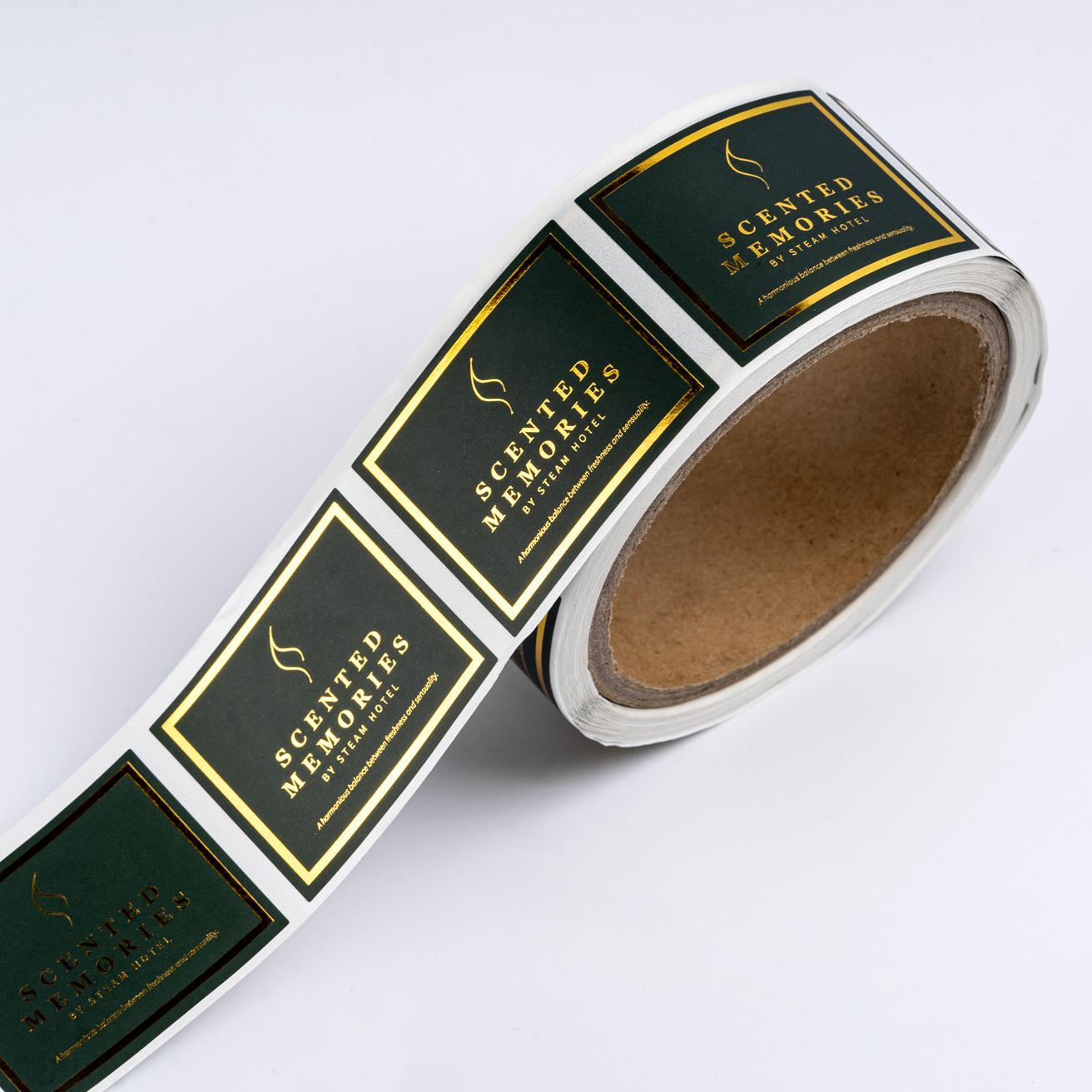
7. Metallic Foil and Gold/Silver Finishes – Metallic finishes look shiny and expensive. Gold, silver, rose gold, and copper are all popular choices. A die-cut sticker with a metallic finish looks like a high-end label. It works great for wedding favors, luxury brands, or special edition products.
These trends show that custom die-cut stickers continue to evolve. No matter your style, there is a finish or material that fits your needs.
Price of Custom Die-Cut Stickers
Pricing for custom die-cut stickers is influenced by several key factors. Understanding these will help you plan your budget effectively. Below is a detailed breakdown of each factor.
Quantity – Volume is the single biggest factor. Larger orders significantly reduce the per-unit cost due to setup and material efficiencies. For example, ordering 1,000 stickers might cost only a little more than ordering 100 stickers. The setup time for the cutting die and printing plates is spread across more stickers, making each one cheaper.
Custom Shape Complexity – This is the core feature of die-cut stickers. The more intricate or detailed your custom shape (no white border, cut exactly to your design), the more production time is required. Simple shapes like circles or stars cost less than complex mascots or logo outlines. A shape with many small corners, thin points, or tight curves takes longer to cut. The cutting die itself also costs more to make for very complex shapes.
Size – Larger stickers use more material and take longer to cut, increasing the cost compared to small, compact designs. A 6-inch sticker uses several times more vinyl than a 2-inch sticker. It also requires a larger cutting die. If you want a large die-cut sticker, expect to pay more per sticker than for a small one.
Material & Finish – Durable vinyl (weatherproof, scratch-resistant) is standard for die-cut stickers. Special finishes such as holographic, glitter, glow-in-the-dark, or metallic foil add extra visual impact but also add to the price. Eco-friendly vinyl made from recycled or plant-based materials may also cost a little more. However, even premium materials are still very affordable for most customers.
Color Complexity – Full-color, high-resolution printing costs more than one- or two-color spot designs. A full-color sticker requires more ink and more time on the printing press. However, even full-color die-cut stickers remain very affordable for most small businesses. If you want to save money, using one or two bold colors works well for many logo stickers.
Finishing Options – Die-Cut Specific Features – Additional die-cut related features will increase the final cost. These include:
Split backing – The backing paper is cut in half so you can peel off one half at a time. This makes it much easier to apply large or oddly shaped stickers without creating bubbles or wrinkles.
Reinforced lamination – An extra thick clear layer is added on top of the sticker. This provides maximum protection against scratches, sun, rain, and chemicals. It is ideal for car bumpers, outdoor equipment, or industrial use.
Thicker cutting dies – For extremely complex or tiny shape details, a thicker or more precise cutting die is required. This special die lasts longer and cuts more cleanly, but it costs more to manufacture.
Special adhesive backing – Some projects require extra-strong adhesive (for rough surfaces) or removable adhesive (for temporary use). These custom adhesives add to the price.
These finishing options are specifically for die-cut stickers used on laptops, water bottles, car bumpers, or product packaging where a clean, borderless edge is required.
Why choose us? – We offer low minimum order quantities – perfect for small businesses and startups. Plus, our prices are consistently 30% lower than competitors, without compromising on quality or speed. For an exact quote tailored to your specific custom shape, size, material, quantity, and finishing needs, please contact our team.
How to Customize Die-Cut Stickers for Your Project?
Creating your own custom die-cut stickers is easier than you might think. Follow these steps to get professional results.
Step 1: Prepare Your Design – Start with any design software. Adobe Illustrator, Photoshop, Canva, Inkscape, or even Procreate all work well. Your design should have a clear outline. The cutting blade will follow the outer edge of your artwork. Make sure there is no extra white space or unwanted background.
Step 2: Save Your File Correctly – Accepted file formats include: .ai, .eps, .jpeg, .jpg, .pdf, .png, .psd, .svg, .tif, and .tiff. Vector files like .ai, .eps, and .svg are best because they scale perfectly without losing quality. If you use a raster file like .jpg or .png, make sure the resolution is at least 300 DPI (dots per inch). This keeps your design sharp and clear.
Step 3: Choose Your Size and Shape – Decide how big you want your sticker to be. Measure in inches or centimeters. Remember that the shape will be cut exactly around your design. If you have a logo with a star shape, the final sticker will be a star. If you have an illustration of a cat, the final sticker will be a cat.
Step 4: Pick Your Material and Finish – Select a material that matches your use case. For outdoor use, choose weatherproof vinyl. For indoor or light use, standard vinyl works fine. Then pick a finish: matte (no shine), glossy (shiny), holographic (rainbow), metallic (shiny metal look), or glitter (sparkly). Each finish gives a different feeling.
Step 5: Decide on Quantity – Think about how many stickers you need. If you are testing a design, order a small batch (25–100). If you are preparing for an event or product launch, order a larger quantity (500–5,000). Larger orders cost less per sticker.
Step 6: Add Any Finishing Options – Do you need split backing for easy application? Reinforced lamination for extra durability? A thicker cutting die for very fine details? Special adhesive for rough or temporary surfaces? Add these only if your project requires them. They will increase the price but also improve the final result.
Step 7: Submit Your Order and Request a Proof – Upload your design file to the printer's website. Enter your specifications: size, shape, material, finish, quantity, and any finishing options. Always request a digital proof before full production begins. The proof shows you exactly how your sticker will look. Check the shape, colors, and cut line carefully.
Step 8: Approve and Wait for Production – Once you approve the proof, the printer will make your custom die-cut stickers. Production usually takes 5–10 business days, depending on quantity and finishing options. Rush production may be available for an extra fee.
No Design File? No Problem. – If you do not have a design file, many printing companies offer free design help. Just contact customer service with your idea, sketch, or rough artwork. Their design team can create a print-ready file for you. Some companies even offer free modifications if you already have a file but need small changes.
Pro Tip for Large Orders or Tight Deadlines – If you are a business, organization, or marketing agency with a large order or a special project that needs fast delivery, reach out directly to the printing team. They can offer faster turnaround times, discounted bulk pricing, and dedicated support. Do not just use the standard online form – call or email to get personalized help.
Final Words
Custom die-cut stickers give your brand a clean, professional edge — cut precisely to your design with no extra borders or wasted space. Choose Custom Panda for 30% lower bulk prices, free samples, no minimum order, 9-day global delivery, and free design support. Visit Custom Panda today — and let your brand take shape.